Robotics, ROS 2, AI, ML, CV, etc.

ROS 2 Intra-Process Communication

Accurate Sensor Timing in ROS 2

It is crucial to obtain correct and accurate timing in autonomous robotic systems. Complex perception, localisation and planning algorithms rely on combining, or ‘fusing’, data from a multitude of different sensors, which very likely run at different frequencies and out of sync of each other. The sensor data must be timestamped so that their relation in time can be accurately determined. If there is any error in the timestamps, at the very start of the robot’s sense-think-act loop, it will make judgement errors that may be hard if not impossible to recover from. A prime example of ‘garbage in, garbage out’. ...

August 19, 2026 · 13 min · 2741 words · Sander van Dijk
ROS 2 Intra-Process Communication

Fast Zero-Copy Messaging with ROS 2 Intra-Process Communication

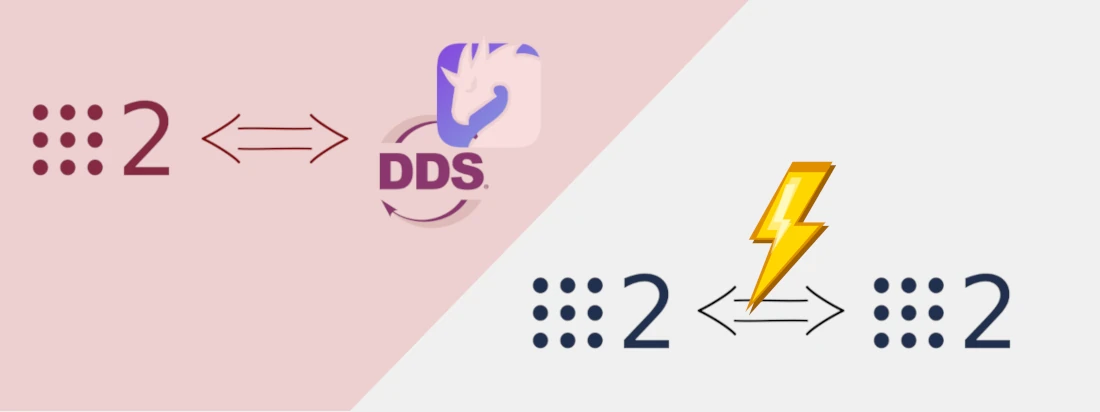
ROS 2 uses so-called “middleware” to perform communication between nodes. Over the years different middleware vendors have vied to become the Chosen Implementation, importantly by focusing on message passing efficiency. However: You can be even more efficient by just skipping the middleware completely and achieve true zero-copy messaging! And all you have to do is apply a simple convention: All publishers SHOULD allocate messages using unique pointers. All publishers SHOULD publish the messages using std::move. All subscribers SHOULD expect either a ConstSharedPtr or a const reference. Enable use_intra_process_comms Read on to understand why. ...

June 17, 2026 · 13 min · 2558 words · Sander van Dijk
Nix and ROS 2 logos

ROS 2 with Nix

Recently I started getting into the world of Nix. First, to manage my user environment using Home Manager, and now to manage my ROS 2 development environment. On any Linux distribution. TL;DR Want to have a full ROS 2 development environment, completely from scratch on any Linux distribution? Just run these two commands: sh <(curl --proto '=https' --tlsv1.2 -L https://nixos.org/nix/install) --daemon nix develop 'github:lopsided98/nix-ros-overlay/master#example-ros2-desktop-jazzy' Boom, you’re in a ROS 2 Jazzy development shell, where you can just immediately run something like: ...

March 25, 2026 · 8 min · 1525 words · Sander van Dijk
Raspberry Pi and ROS 2 logos

Raspberry Pi + ROS 2 + Camera

I have written before about running ROS 2 on different Single Board Computers (SBCs), including an Odroid-XU4 and a Coral Edge TPU dev board. Recently I got my hands on a Raspberry Pi 4b and of course thought: “let’s put ROS 2 on it!” There are several resources on running ROS 2 on a Raspberry Pi using Ubuntu as your OS, but I started out with Raspberry Pi OS (formally known as Raspbian), and I will describe here how to install ROS 2 onto that. And, as a bonus, I will also show how to use the Raspberry Pi Camera Module V2 in this set up. Let’s get started! ...

October 8, 2020 · 6 min · 1105 words · Sander van Dijk
Foxy Fitzroy logo by [OpenRobotics](https://www.openrobotics.org/) ([CC BY-NC 4.0](https://creativecommons.org/licenses/by-nc/4.0/)), Coral Dev Board © by Google

How to Run ROS 2 Foxy on a Coral TPU

When I created a robot 15 years ago out of PVC tubes, acrylic plates, a very heavy laptop and my mother’s yoga mat, that was tasked with collecting brightly coloured balls but was more interested in plain white walls, I could have only dreamt of the Computer Vision possibilities crammed into affordable credit card sized boards available nowadays. Google’s Coral board is one of these, equipped with a Tensor Processing Unit (TPU) that is optimised to run modern deep neural networks very efficiently. ...

September 10, 2020 · 7 min · 1461 words · Sander van Dijk
Eloquent Elusor logo by [OpenRobotics](https://www.openrobotics.org/) ([CC BY-NC 4.0](https://creativecommons.org/licenses/by-nc/4.0/)), Odroid-XU4 by [Hardkernel co.](https://www.hardkernel.com/), ltd ([CC BY-SA 3.0](https://creativecommons.org/licenses/by-sa/3.0/))

How to run ROS 2 on an Odroid-XU4

The second generation of the Robot Operating System (ROS) is steadily maturing. Although there are still plenty of features outstanding on the official roadmap, ROS 2 has by now had its first official Long Term Support (LTS) release, Dashing Diademata. This release, and even more so the currently latest release, Eloquent Elusor, is now at a stage where it can comfortably be used as the base of new robotics projects. In my RoboCup team, the Bold Hearts, we are now using ROS 2 on our robots. They were originally based on ROBOTIS’s DARwIn-OP platform, but have undergone several upgrades over the years. One of these is that they currently use the Odroid-XU4 as their main computation device: an 8-core big.LITTLE 32 bit ARM single-board computer (SBC), not too dissimilar from a Raspberry Pi, with quite some performance. Getting started with ROS 2 on one of these is as simple as following the steps below. ...

April 17, 2020 · 5 min · 1008 words · Sander van Dijk